How to build accessible nested popovers and manage showPopover(), focus, and light-dismiss
Test nested auto popovers in Chromium: source-based keyboard order, inside and outside light-dismiss, Escape, and explicit focus after selection.
An open popover is not a modal dialog. Keyboard focus can reach the surrounding page, and a click outside the entire popover stack should dismiss that stack. Treating either behavior as an accessibility failure produces tests that reject the browser’s intended behavior. The useful distinction is where an interaction happens: inside a child, inside its parent, or outside both. Each location has a different expected result.
This example uses two sibling auto popovers and connects them through showPopover({ source }). A small Chromium test suite exercises the actual DOM rather than simulating a menu stack in JavaScript. It separates native keyboard order and dismissal from application-owned focus restoration after selecting an option. The panels are labeled groups of ordinary buttons, not a complete ARIA menu implementation. That narrower contract makes the fixture useful without claiming that the Popover API supplies every keyboard or assistive-technology behavior an application might need.
Connect sibling panels through their invoking control
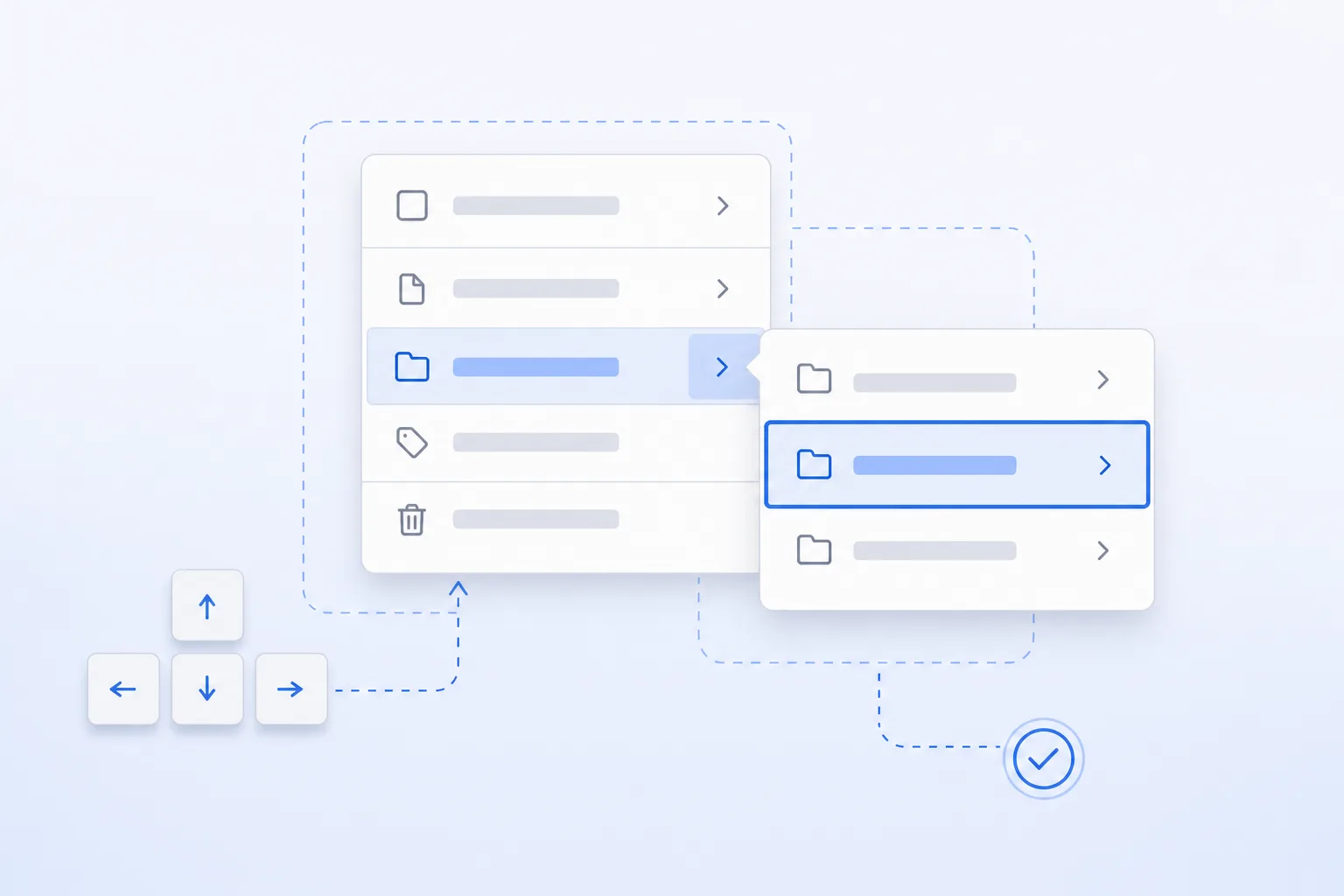
The child is not a DOM descendant of the parent. Its relationship comes from the source supplied to showPopover: the More options button inside the open parent invokes the child. This exercises the source-based nesting case directly. Merely placing two panels next to each other visually would not establish the same interaction relationship. The tests require both panels to remain open after the child opens, so accidentally opening an unrelated auto popover cannot pass unnoticed.
The source option also establishes a focus-navigation relationship. In this fixture no element has autofocus, and opening the child does not explicitly call focus. The first Tab from its source reaches the child’s first option, the next reaches its second, and Shift+Tab returns to the first. These assertions observe concrete element IDs rather than accepting any active element. They test the insertion point in keyboard order without asserting that focus must stay inside the popover forever.
Programmatic opening does not automatically provide all the accessibility relationships of a declarative popovertarget control. The fixture supplies aria-controls and aria-details, initializes aria-expanded to false, and updates expanded state from the child’s toggle event. The test waits for expanded state to become true. This documents the application’s contribution separately from the browser’s top-layer behavior. It does not demonstrate how every screen reader announces those relationships, which still needs task-based assistive-technology testing.
Distinguish two light-dismiss boundaries
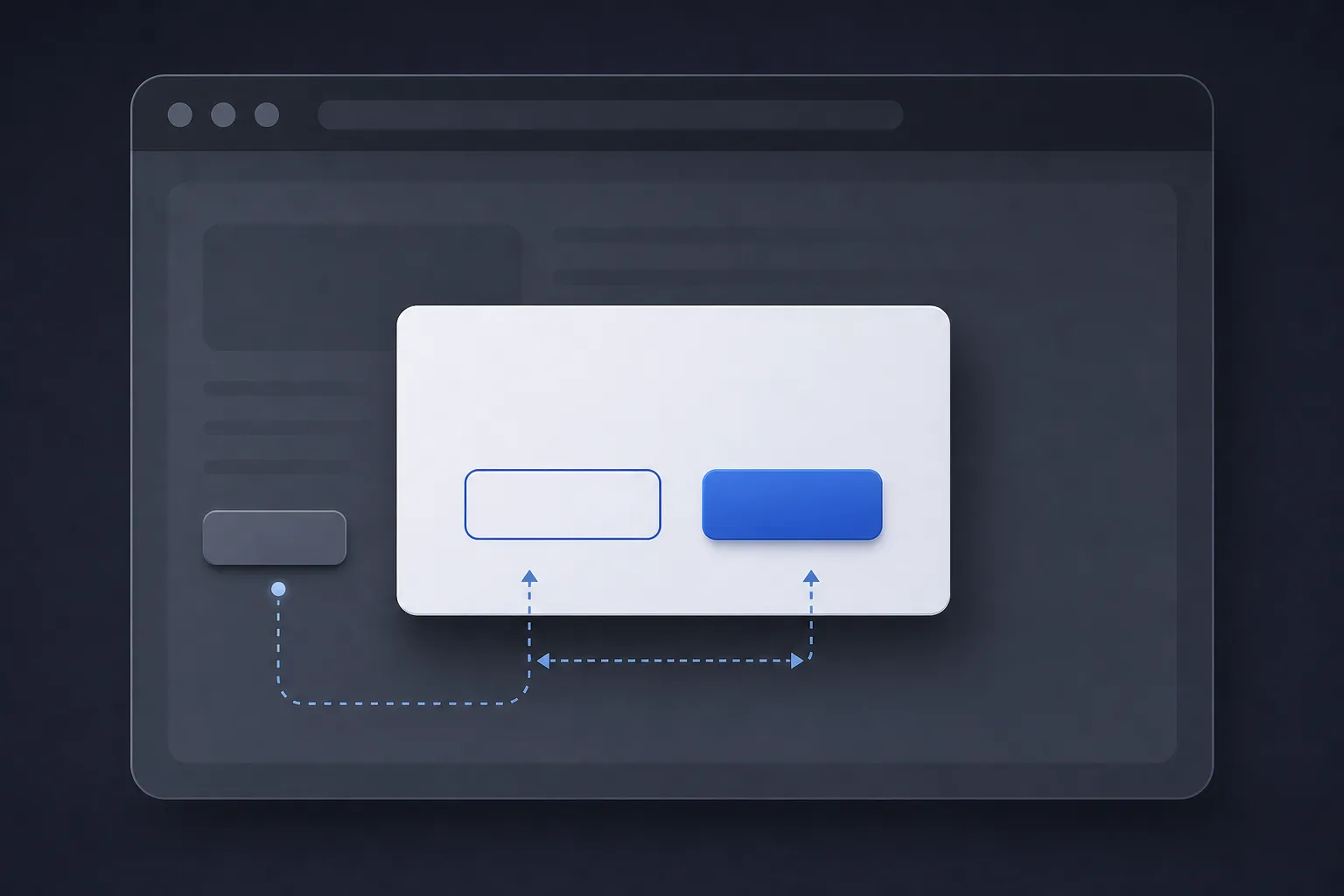
Clicking Parent action is outside the child but inside its logical parent. The child should close while the parent remains open. The test clicks that named control rather than a guessed body coordinate, then verifies both popover states and the focused parent control. This is the interaction that preserves the parent context. It is not equivalent to clicking somewhere unrelated on the page, even though both clicks are outside the child’s rectangle.
Clicking Background action is outside the entire stack. Both panels should close, and that outside button should receive focus. This is not an over-eager dismissal or a focus leak: it is the expected non-modal interaction. A test that insists the parent remain open after a body click confuses the two boundaries. Keeping separate named tests for the parent-area click and the outside-stack click makes that confusion much harder to reintroduce during a refactor.
The positions in this fixture support deterministic targeting but are not a production positioning strategy. They do not demonstrate collision detection, viewport-edge flipping, scrolling anchors, or responsive layout. Those concerns need their own component tests. The dismissal assertions depend on which element receives the click and its relationship to the open popovers, not on a particular pixel offset. Preserve that distinction when replacing the fixed test layout with CSS anchor positioning or an application positioning library.
SourcesMDN: HTMLElement.showPopover() (opens a new tab)MDN: Using the Popover API (opens a new tab)
Test Escape separately from selection focus
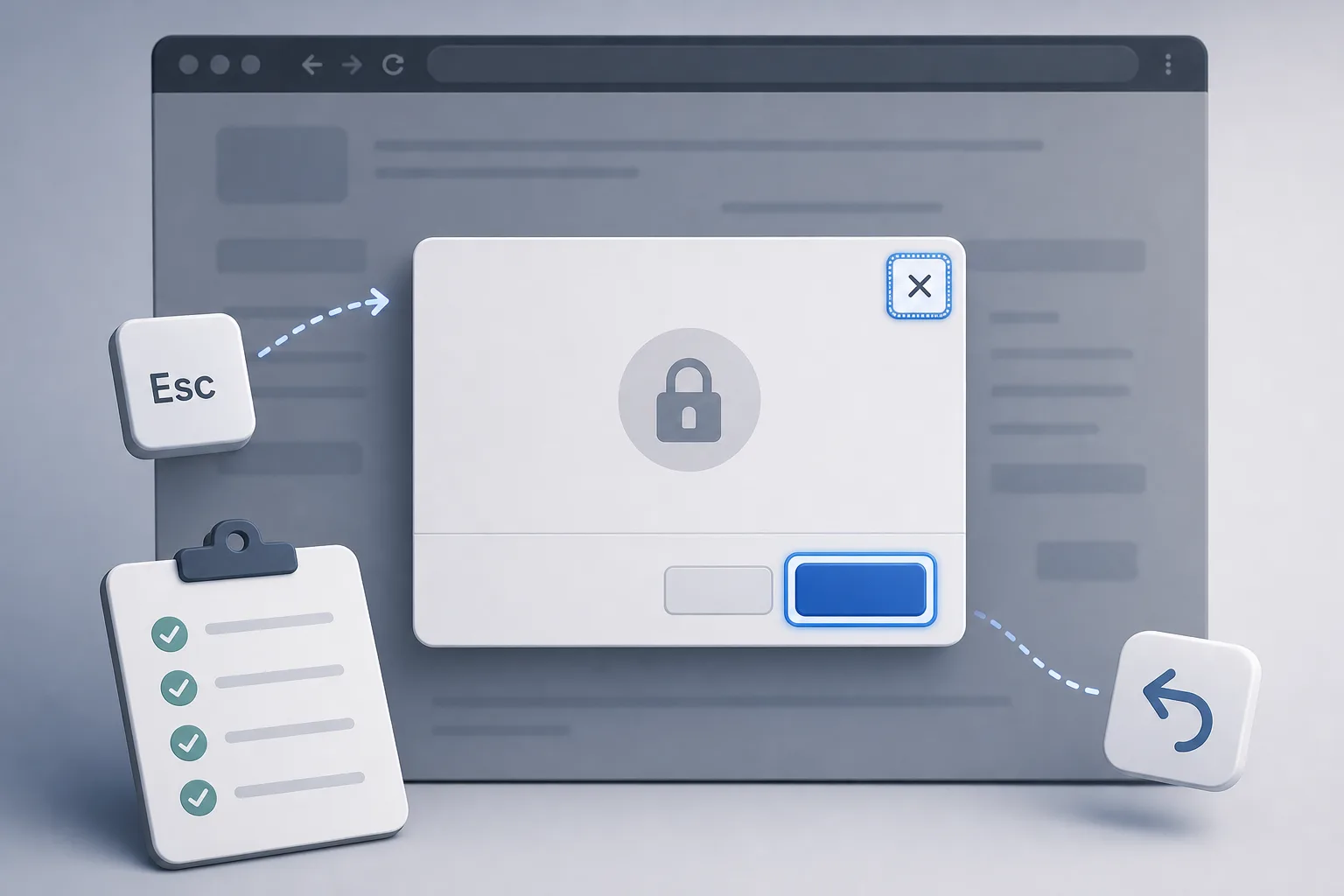
The Escape test opens both panels, tabs into the child, and presses Escape once. It requires the child to close while the parent stays open, and checks that focus is no longer inside the hidden child. A second Escape must close the parent as well. Unlike an outside click, this is a sequential dismissal interaction. Combining the two into one generic “close overlay” expectation would miss the difference that matters for nested keyboard navigation.
Do not assume the source option always restores focus to the invoker after every dismissal. Native restoration depends on the opening and focus behavior. This fixture has no autofocus and leaves the initial focus on the source before Tab moves into the child; its Escape test therefore does not promise a particular restored invoker. Selection is different because the application explicitly focuses its source. If your product requires invoker restoration on Escape too, implement and test that policy without stealing focus after an intentional outside click.
Closing the parent through Open options is tested independently and must close its logical child. There is no defensive parent-toggle listener that manually hides the child, so the test can observe the native nested-popover relationship instead of merely testing application cleanup. Removed invokers, route changes, and component unmounting are outside this fixture. An integration test for those cases should decide the logical next focus target and verify that no detached or hidden control retains interaction state.
Run the real browser checks and preserve their boundary
Save main.mjs and main.test.mjs together. With Node 22, run npm init -y, install the pinned dependency using npm install --save-dev playwright@1.63.0, and install the browser with npx playwright install chromium. Then run node --test main.test.mjs. Browser installation is a setup action, not something the tests perform. In a controlled runner, use a matching browser image and install operating-system dependencies before running the fixture; a missing executable is not a popover regression.
Each case launches a fresh headless Chromium instance, loads the fixture with page.setContent, aborts page network requests, and closes the browser in finally. State waits use page.waitForFunction with one serialized argument, such as the object containing the expected parent and child states. Playwright does not accept several positional application arguments after the callback. Passing an empty object where a selector is expected causes querySelector to receive “[object Object]”, failing before the intended browser behavior can be checked.
The seven tests cover source-based Tab order, parent-area dismissal, outside-stack dismissal, sequential Escape, explicit selection focus, non-modal background focus, and parent closure. Passing them establishes those observations for this fixture in the tested Chromium version. It does not prove Firefox or WebKit behavior, screen-reader announcements, visual contrast, or a complete menu widget. Run relevant cases against supported browsers and the real component, add manual keyboard and assistive-technology checks, and retain the exact fixture revision with the resulting evidence.
import test from 'node:test';
import assert from 'node:assert/strict';
import { chromium } from 'playwright';
import { fixture } from './main.mjs';

async function withPage(check) {
  const browser = await chromium.launch({ headless: true, args: ['--no-sandbox'] });
  try {
    const page = await browser.newPage();
    page.setDefaultTimeout(5000);
    const errors = [];
    page.on('pageerror', error => errors.push(error.message));
    await page.route('**/*', route => route.abort());
    await page.setContent(fixture);
    await check(page);
    assert.deepEqual(errors, [], 'Fixture must not hide script errors');
  } finally { await browser.close(); }
}

async function states(page, parent, sub) {
  // Playwright accepts one serialized argument, not positional selector args.
  await page.waitForFunction(({ parent, sub }) =>
    document.querySelector('#parentMenu').matches(':popover-open') === parent &&
    document.querySelector('#subMenu').matches(':popover-open') === sub,
  { parent, sub });
}
async function focusIs(page, id) {
  await page.waitForFunction(id => document.activeElement?.id === id, id);
}
async function openBoth(page) {
  await page.locator('#menuToggle').click();
  await states(page, true, false);
  await page.locator('#openSubProg').focus();
  await page.keyboard.press('ArrowRight');
  await states(page, true, true);
}

test('source places sibling popover controls after the invoker in Tab order', { timeout: 20000 }, () => withPage(async page => {
  await openBoth(page);
  await page.keyboard.press('Tab'); await focusIs(page, 'subItem1');
  await page.keyboard.press('Tab'); await focusIs(page, 'subItem2');
  await page.keyboard.press('Shift+Tab'); await focusIs(page, 'subItem1');
  await page.waitForFunction(() => document.querySelector('#openSubProg').getAttribute('aria-expanded') === 'true');
}));
test('click inside parent but outside child closes only the child', { timeout: 20000 }, () => withPage(async page => {
  await openBoth(page);
  await page.locator('#parentOption2').click();
  await states(page, true, false); await focusIs(page, 'parentOption2');
}));
test('click outside the entire stack dismisses both popovers', { timeout: 20000 }, () => withPage(async page => {
  await openBoth(page);
  await page.locator('#afterControl').click();
  await states(page, false, false); await focusIs(page, 'afterControl');
}));
test('Escape closes one nested layer at a time', { timeout: 20000 }, () => withPage(async page => {
  await openBoth(page);
  await page.keyboard.press('Tab'); await focusIs(page, 'subItem1');
  await page.keyboard.press('Escape'); await states(page, true, false);
  await page.waitForFunction(() => !document.querySelector('#subMenu').contains(document.activeElement));
  await page.keyboard.press('Escape'); await states(page, false, false);
  await page.waitForFunction(() => !document.querySelector('#parentMenu').contains(document.activeElement));
}));
test('selection explicitly restores source focus without closing parent', { timeout: 20000 }, () => withPage(async page => {
  await openBoth(page);
  await page.locator('#subItem1').click();
  await states(page, true, false); await focusIs(page, 'openSubProg');
}));
test('popovers do not make background controls inert', { timeout: 20000 }, () => withPage(async page => {
  await openBoth(page);
  await page.locator('#afterControl').focus(); await focusIs(page, 'afterControl');
  await states(page, true, true);
}));
test('closing the parent also closes its logical child', { timeout: 20000 }, () => withPage(async page => {
  await openBoth(page);
  await page.locator('#menuToggle').click(); await states(page, false, false);
}));
SourcesMDN: HTMLElement.showPopover() (opens a new tab)MDN: Using the Popover API (opens a new tab)