 Show a case study (F)
  Show me nice designs (T)
  relagrp - October 2026
Property SearchWith Local Context

Overview
Finding a home is not just a search for an address. Buyers compare budget, space, location, and the surrounding neighborhood before deciding what deserves a visit. RelaGrp connects those decisions through map-based discovery, structured property details, and local guides.
The work spans the public website and its application flows: sale and rental search, listing comparison, saved-home entry points, tour inquiries, and seller guidance. I designed and implemented the interface in React and TypeScript, with Supabase supporting application data and Firebase Hosting serving the demo.
- React
- TypeScript
- Vite
- Tailwind CSS
- shadcn/ui
- Supabase
- PostgreSQL
- Firebase Hosting
 Spoiler Alert!
Design Goals
Make location and property requirements easy to compare without losing the search context.
Separate confirmed listing facts from information that still needs verification.
Offer a clear next step for buyers, sellers, and people still researching a neighborhood.
One Search, Two Ways to Explore
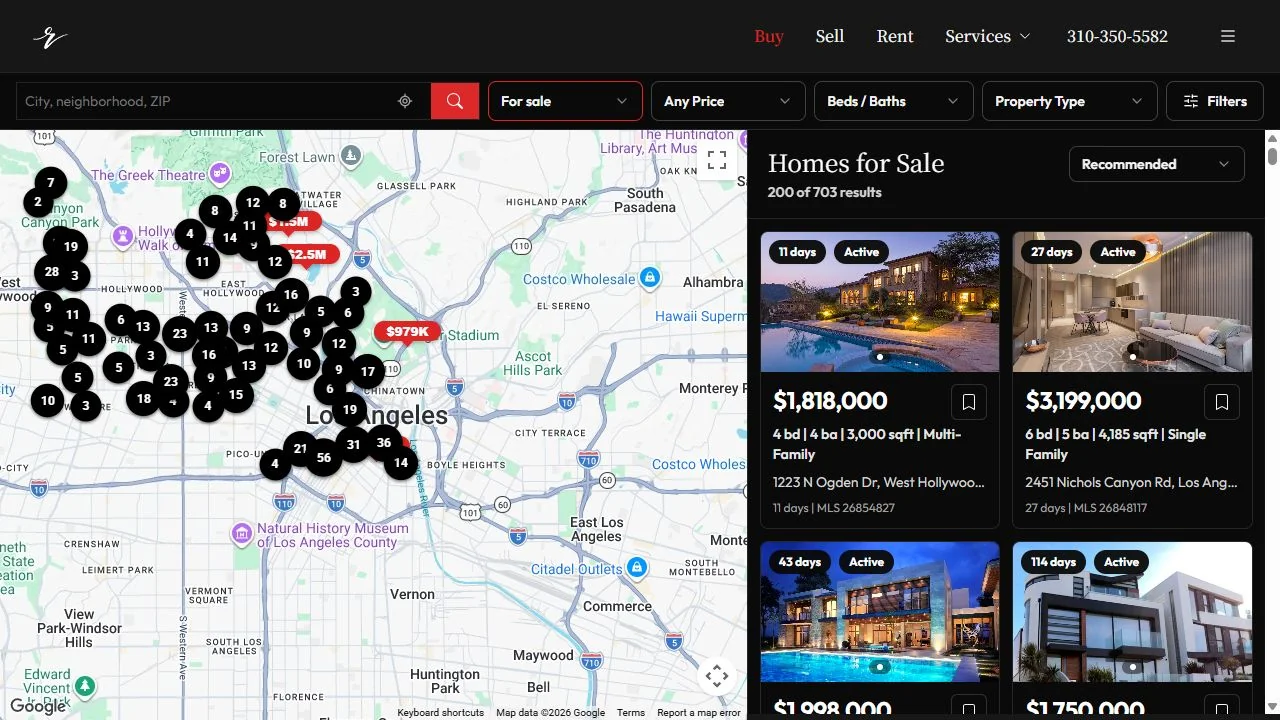
Maps explain where a home sits; cards explain why it might fit. The desktop search pairs clustered map markers with a filterable results list. Price, beds and baths, property type, and sort controls stay together so users can refine the same search rather than start separate journeys.
Facts Before the Inquiry
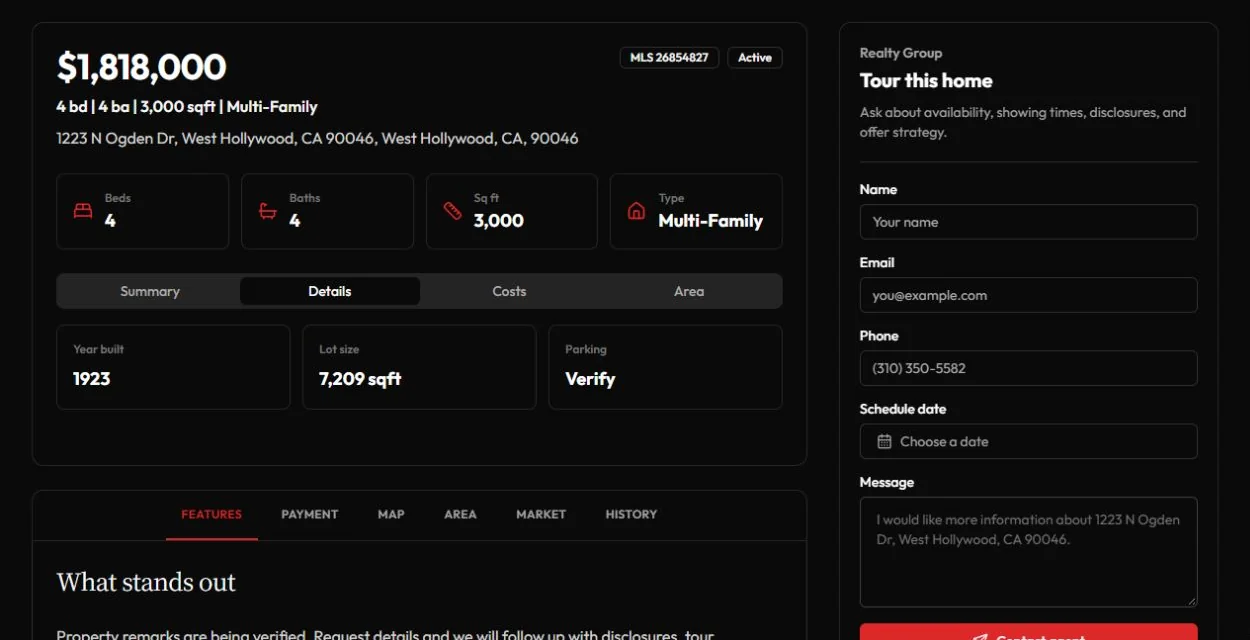
A property page needs more than a large photo. Price and core specifications lead into Summary, Details, Costs, and Area tabs, with a tour inquiry alongside them. Missing parking, records, or remarks are marked for verification instead of being filled with invented values.
Give Location Its Own Story
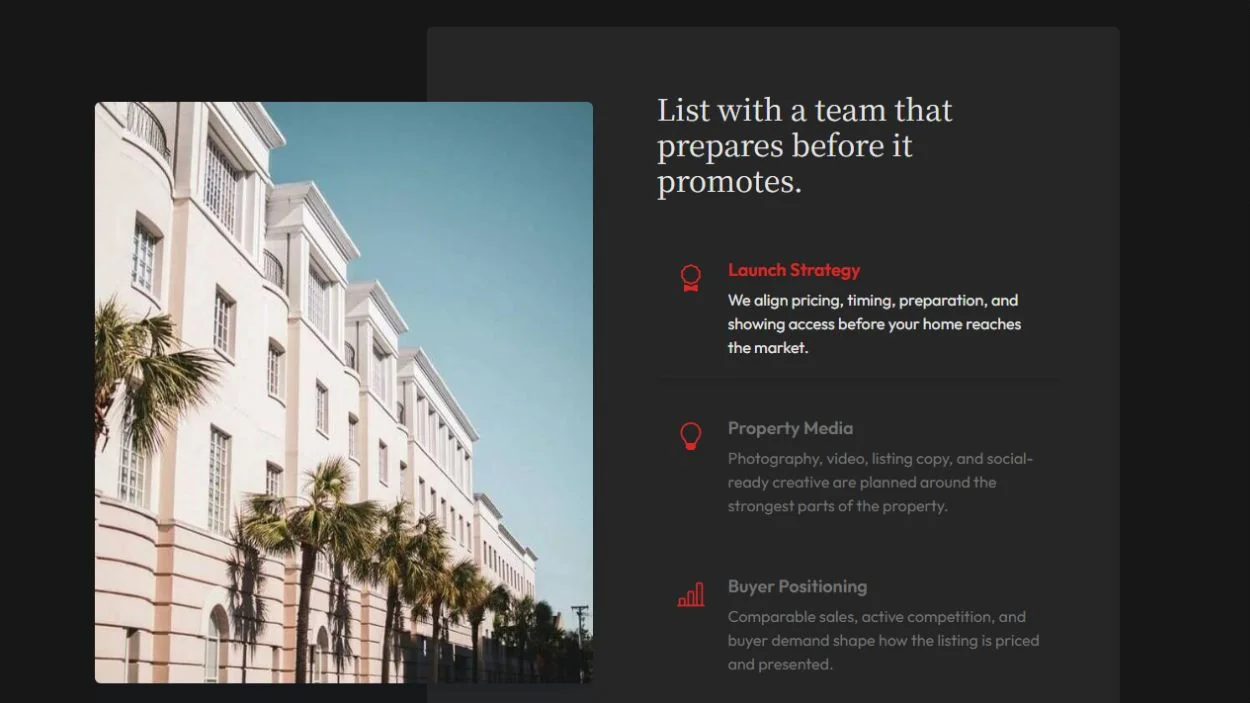
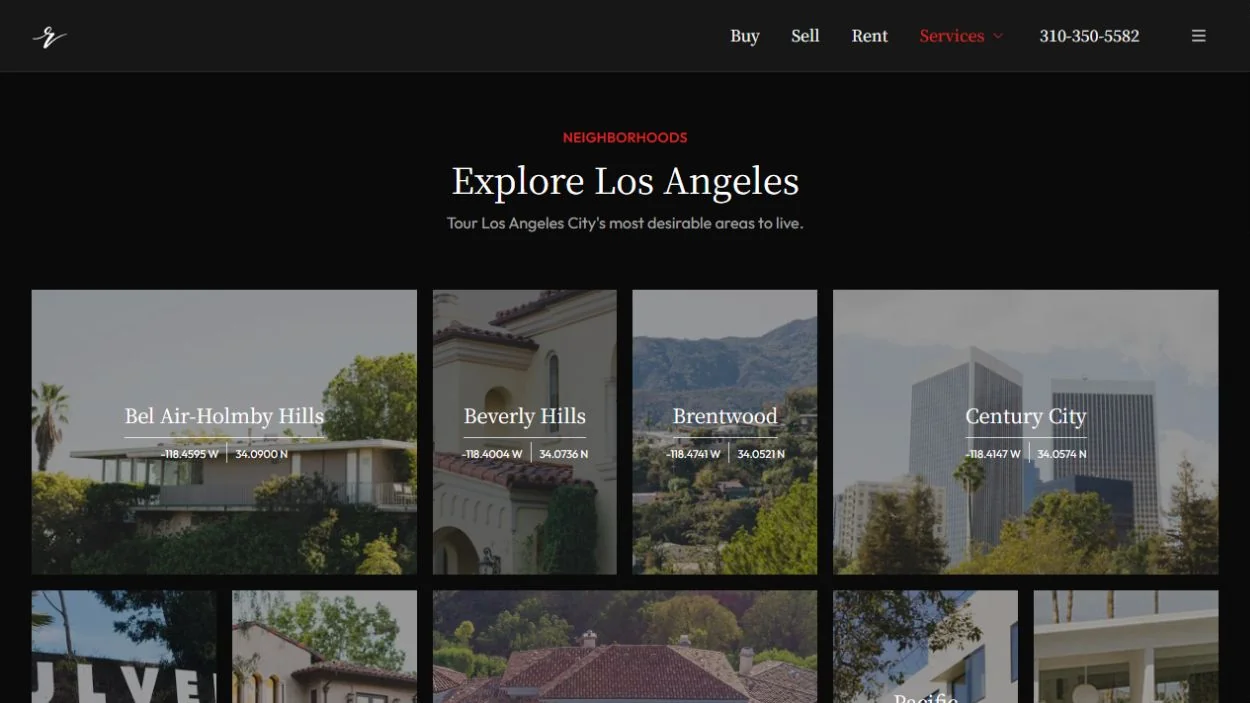
Neighborhood guides provide a second entry point for people who know the lifestyle or area they want but have not selected a home. An image-led catalog connects local exploration to listings, while seller resources cover preparation, pricing, and launch planning.
Adapt the Hierarchy, Not Just the Width
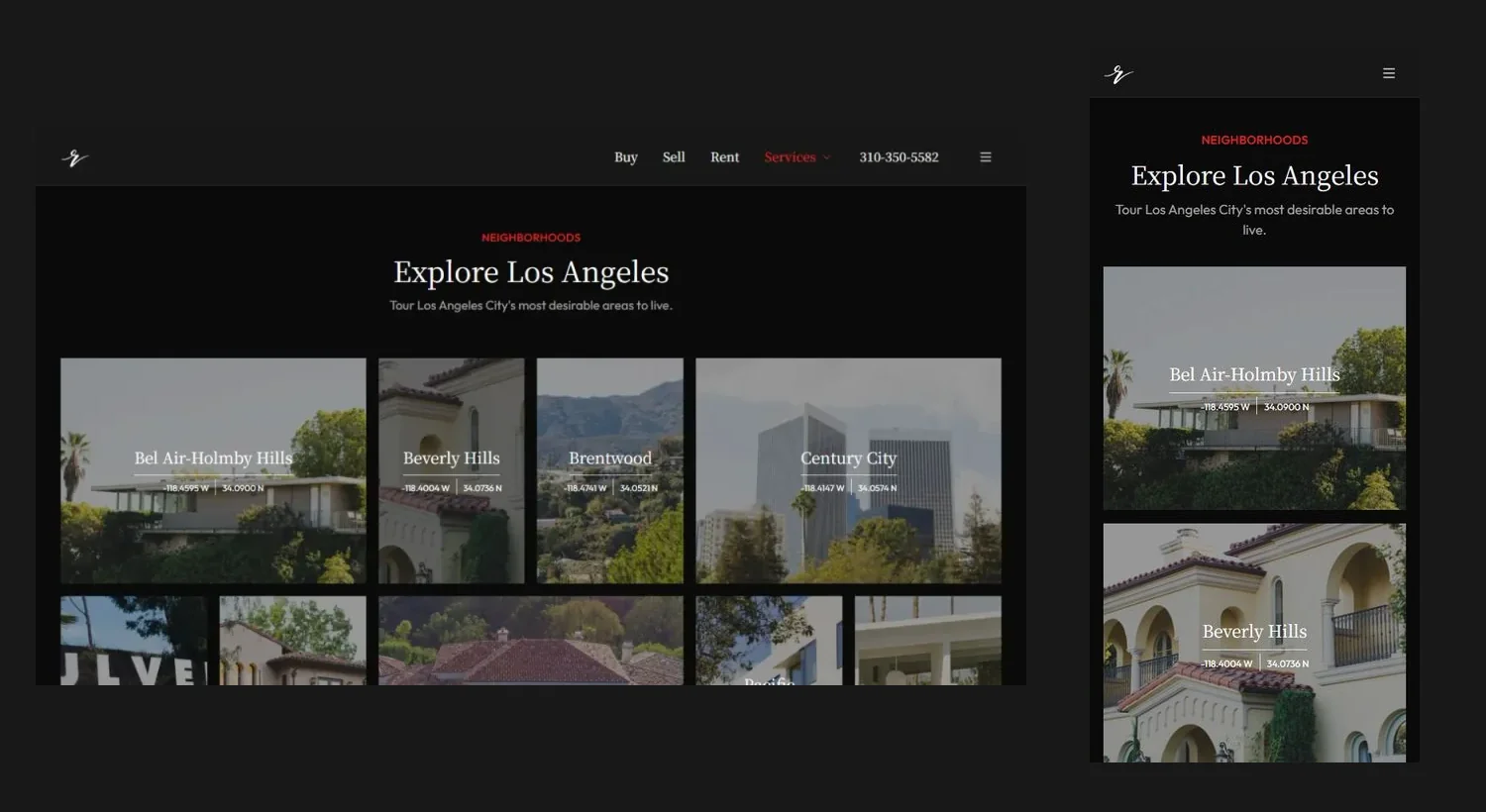
The visual system combines editorial serif headings with compact sans-serif controls. On smaller screens, navigation simplifies and content stacks into a readable sequence. The same hierarchy carries through search, property facts, and neighborhood discovery.

Place Before the Property
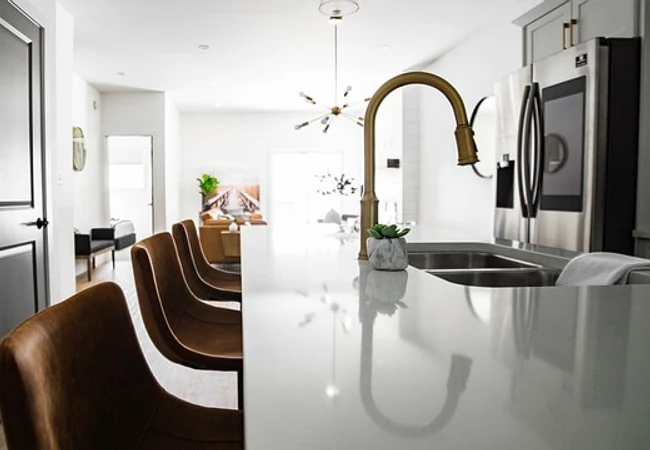
Design Around Everyday Living

Make the First Impression Count
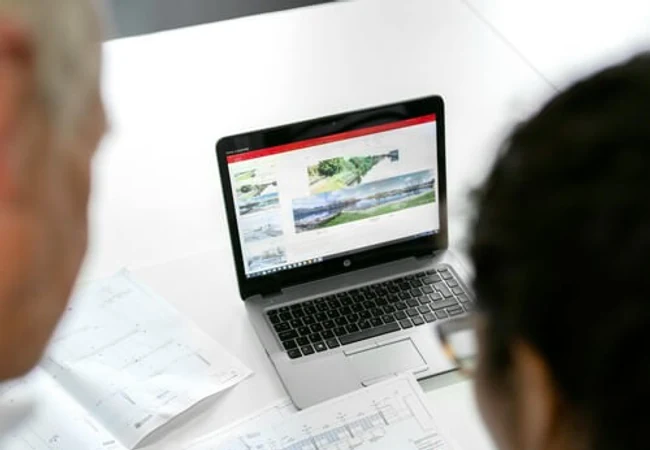
Turn Research Into a Next Step
Editorial Character, Practical Navigation
The interface pairs Noto Serif JP display typography with Outfit for controls and reading. A restrained black-and-white foundation lets property photography carry the visual weight, while red identifies actions and active states.
Action Red
Ink
Surface
Noto Serif JP / Display
Find your place.
Uppercase
Lowercase
Numbers
RelaGrpSearch, research, and the next decision.

From Browsing to an Informed Next Step
The implemented experience gives buyers several ways to begin—a location, a property, or a neighborhood—and brings them toward comparable facts and a relevant inquiry. Sellers have a separate route into preparation and pricing guidance.
The case study documents the shipped interface and its design decisions. It does not claim measured sales, conversion, or customer outcomes. Property photography and client results in the demo are illustrative.